· Chris Landtiser · Core Philosophy · 9 min read
Beyond the Sparkle: Why We Need a UX for AI
Microsoft says Copilot is the UI for AI, but we’re still missing the UX. It’s time to move past 'human in the loop' toward intentional human-AI relationship design.
I’ve spent a lot of time lately with a simple phrase stuck in my head:
“Copilot is the UI for AI.”
Microsoft has been leaning into that framing, and I think it’s actually a pretty smart angle for their product. Putting AI into the tools people already know (Word, Excel, Outlook, Teams) gives everyone a familiar doorway into something very new.
But if Copilot is the UI for AI, we’re still missing something just as important:
We don’t yet have a cohesive UX for AI.
Not just better prompts or more buttons. Not just “human in the loop.” I mean the whole end`-to-end experience of being a person who works alongside AI every day. The relationship. The emotions. The friction. The trust (or lack of it).
That’s a UX problem, not a UI problem. And it’s one I’ve seen coming for a while.
The More Things Change, The More They Stay the Same
Before I was “the AI guy,” I was a web developer and designer for more than a decade.
I rode the full roller coaster:
- New JavaScript framework every year
- Design systems rewritten from scratch “for consistency”
- Endless redesigns that moved buttons 12 pixels to the right in the name of “delight”
To be clear, a lot of that work mattered. Good UI reduces friction. It signals care. It can genuinely make people more effective.
But there was a dark side: the churn.
We’d ship a new UI. Pat ourselves on the back. Then watch analytics and feedback roll in:
- Some people were confused.
- Some people were annoyed.
- Some people quietly disengaged.
The pattern I eventually learned the hard way:
Constant UI change without a stable UX story doesn’t feel innovative. It feels exhausting.
The same thing is happening with AI today, just faster and louder.
Every week there’s a new panel, icon, or prompt bar. A new “just ask me anything” surface on yet another product. Each one is, on its own, defensible. Together, they risk turning AI into background noise for the very people we say we’re trying to help.
The first “just Copilot it” buttons were awesome! They were entry points for easy access without having to dive into the complexity of good prompting or understanding what AI can or can’t do. But now users have a whole different job of remembering which buttons do what, with sometimes minimal contextual tools.
Which is why I think we need to talk less about UI for AI, and more about UX for AI.
UI vs UX for AI: The Door vs. The Journey
Traditional UI vs UX distinctions still apply here, but AI makes the gap more obvious.
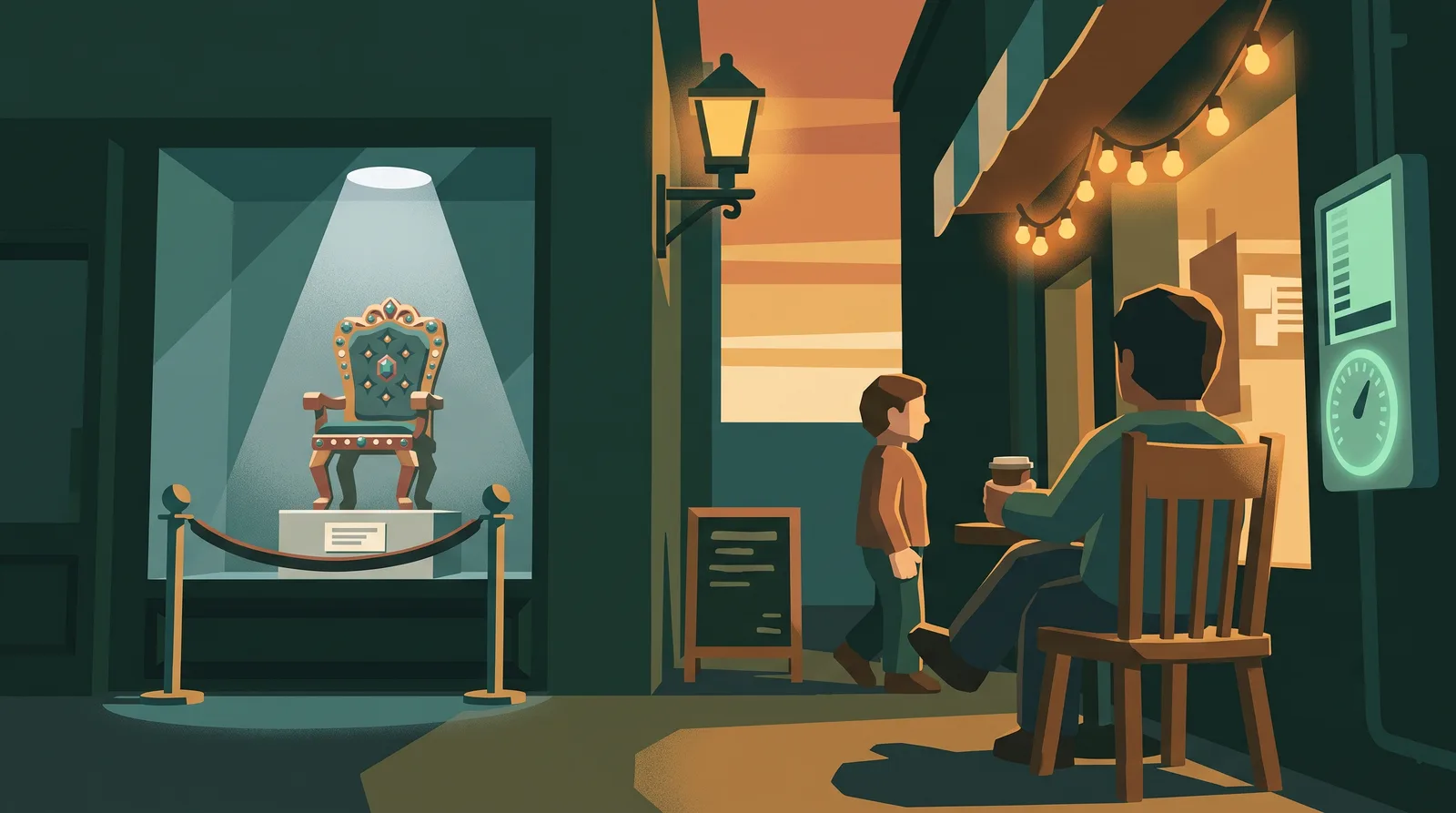
UI for AI is the door:
- Where do you click to “ask Copilot”?
- How do you see the model’s response?
- What icons, colors, and affordances communicate “this is AI”?
UX for AI is the journey:
- When should you even think to use AI?
- How does it change the shape of your workday?
- How do you recover when it’s confidently wrong?
- How does it affect your sense of mastery, autonomy, and identity?
We’ve gotten very good, very quickly, at doors.
A “sparkle” icon in a text box. A right-hand panel that slides out with suggestions. Inline assist that quietly updates your text.
But the harder questions - the UX questions - are still fuzzy:
- What mental model should a normal, busy person have about what AI can and cannot do?
- How do they know when to trust it vs. when to slow down and check?
- What happens emotionally when AI starts doing tasks they used to be known for?
- How do teams coordinate and share patterns when everyone has a different AI “copilot”?
That’s UX territory. And if we don’t design it intentionally, people will make up their own answers. Some will overtrust. Some will under-use. Many will quietly opt out.
Beyond “Human in the Loop”
“Human in the loop” is a comforting phrase. It sounds responsible. It implies we’re keeping people involved.
But often, in practice, it means:
“We added a ‘Review’ step at the end and called it a day.”
If AI is going to be an augmentor rather than a replacement, we need to think in terms of human–AI relationship design, not just checkpoints.
A few shifts that matter:
1. From “approval gate” to “collaboration rhythm”
Instead of:
“AI generates; human approves.”
Think more like:
“Human sketches → AI expands → human edits → AI polishes → human decides.”
The UX question: How many steps of that rhythm does your product actually support? Or did you just bolt a prompt box onto the side?
2. From “guardrails” to “healthy boundaries”
Guardrails are important. But in human terms, healthy boundaries are more nuanced:
- What kind of work do you want AI to help with?
- What are the things you don’t want to offload, because they’re how you learn or build trust?
- What’s okay to get “80% right” vs. what needs precision?
The UX for AI should help people articulate those boundaries and stick to them. Not just technically, but emotionally.
3. From “task completion” to “identity and meaning”
Most UX metrics are about getting from A to B faster:
- Time on task
- Clicks reduced
- Errors avoided
Those still matter with AI. But there’s another layer:
- “Am I still good at my job?”
- “How do I keep up with a tool I know is helpful but always changing and adding?”
- “What is my expertise now, if AI can draft the first version?”
Ignoring that layer is like redesigning someone’s desk overnight and never acknowledging that you also moved their family photos.
Lessons From a Decade of UI Churn
When I look at today’s AI UI experiments, I see a lot of familiar patterns from my web design years, just accelerated.
Lesson 1: A new panel is not a new experience
Back then:
We’d redesign a dashboard, change the nav, maybe switch frameworks. Internally, it felt huge. Externally, most users just wanted to know: “Can I still do my work?”
Now with AI:
Adding an “Ask Copilot” button is not, by itself, an experience. The experience is all the messy stuff around it:
- When do you surface AI proactively vs. passively waiting to be invoked?
- How does the system react when the user is clearly stuck or overwhelmed? Can it, or should it, in a variety of form factors?
- How do you help them get from “blank page” to “good enough starting point” in a way that respects their expertise?
If we treat AI like a feature, we’ll keep shipping doors. If we treat it like a partner in the work, we start designing the relationship.
Lesson 2: Constant change without a story burns people out
I’ve lived through the “We’re modernizing our UI!” cycle more times than I’d like to admit. Each time, the story was about us:
- Our new design language
- Our new stack
- Our new animation system
For users, the story was simpler:
“You moved my stapler. Again.”
With AI, the change pressure is even higher. Models improve, regulations evolve, competitors launch something shiny.
The UX for AI needs a stable narrative people can anchor to, even as the underlying capabilities change. Something like:
- “This tool is here to help you think, not think for you.”
- “You’re always in control. Nothing is sent, shared, or acted on without your say-so.”
- “We’ll show the work - citations, sources, reasoning - so you can make the final call.”
The specific UIs can evolve. The core story should not swing wildly every quarter.
Lesson 3: Expertise matters more, not less, in a world of assistance
As a web developer, I watched a lot of people worry that new abstractions (libraries, page builders, design systems) would make their skills obsolete.
What actually happened was more subtle:
- Bad tooling made good developers miserable.
- Good tooling freed them to focus on harder, more interesting problems.
AI has the same potential shape.
A good UX for AI doesn’t say: “We’ll do your job for you.”
It says:
“We’ll handle the repetitive parts so you can operate at the level of judgment, taste, ethics, and strategy.”
That requires more than just a text box. It requires knowing what users consider their real craft, and designing the AI experience so it pushes them toward that, not away from it.
What a “UX for AI” Might Actually Look Like
So what does this all translate to in practice? If I were designing a product today with a serious AI component, I’d be thinking about UX patterns like these.
1. Onboarding that teaches how to think with AI
Most AI onboarding today is:
- “Here’s where the button is.”
- “Here are some sample prompts.”
A UX for AI onboarding might instead focus on:
Mental models
“Think of this as a very fast, very well-read junior teammate who sometimes makes things up to impress you.”
“It’s great at pattern-matching and draft-making; you’re responsible for judgment and context.”
Use-case scaffolding
- “Here are 3 starter workflows tailored to your role: e.g., ‘summarize meetings,’ ‘draft client emails,’ ‘analyze survey responses.’ Try one today.”
Expectation setting
- Examples of both great and bad outputs, with commentary on what the human did in each case.
2. Interfaces that make the invisible visible
AI systems do a lot behind the scenes. Good UX surfaces the right parts:
Show what data was used:
“This answer is based on these 5 documents and your last two project plans.”Show uncertainty:
“I’m not confident about this detail. You may want to double-check it.”Show alternatives:
One answer is rarely enough. Offer different angles (simplified, detailed, skeptical, creative) so the human can choose.
This is less about pretty UI and more about respecting the human’s role as the ultimate decision-maker.
3. Workflows built around iteration, not one-shot magic
The “type your prompt and hope for the best” UX is a starting point, not an end state.
A richer UX for AI embraces the loop:
- User gives a rough direction, not a perfect prompt.
- AI responds with options and questions, not just an answer.
- User gives feedback in natural ways:
- “More like option B, less formal, and shorter.”
- The system remembers preferences and adapts over time.
The goal isn’t to make people expert prompt engineers. It’s to make the conversation with AI feel like a natural part of how they already work.
AI as Augmentor: Designing for the Human First
When I think about my own happiest moments building software, they weren’t about pixel-perfect UI.
They were moments where someone said:
“This makes my day easier.”
“I feel less anxious starting this now.”
“I finally have time to do the part I actually enjoy.”
That’s the bar I want us to use for AI.
If Copilot is the UI for AI, then UX for AI is everything that leads a human from:
“I don’t know where to start,” to “I can see what to do, and I feel okay doing it with this tool next to me.”
It’s the stories we tell. The defaults we ship. The rhythms we encourage. The boundaries we respect.
And it’s a choice.
We can chase every new AI UI pattern, swapping icons and layouts as the models evolve, and hope people keep up.
Or we can commit to designing a stable, human-centric UX for AI - one that treats people not as operators of a magic box, but as partners gaining a new kind of leverage.
If my decade in web dev and design taught me anything, it’s this:
UI is how people touch the product.
UX is how the product touches their day for better or worse.
With AI, that second part matters more than ever.
The Working Question
Everything I write, in one inbox — blog posts, LinkedIn newsletter editions, and first word on new workshops. One email a month.